HomePlastic surgery simulator › Looksmaxxing preview
Looksmaxxing, done realistically

Looksmaxxing preview

Most looksmaxxing apps hand you a number. Plastic Surgery AI shows you a picture: your own face after the realistic version of every improvement people chase, from clear skin and a sharper jawline to fuller brows and rested eyes.

Start with the Glow Up preview for the whole face, run the facial harmony analysis to see which proportions already work, then preview individual procedures one at a time.


Download on the App Store Get it on Google Play
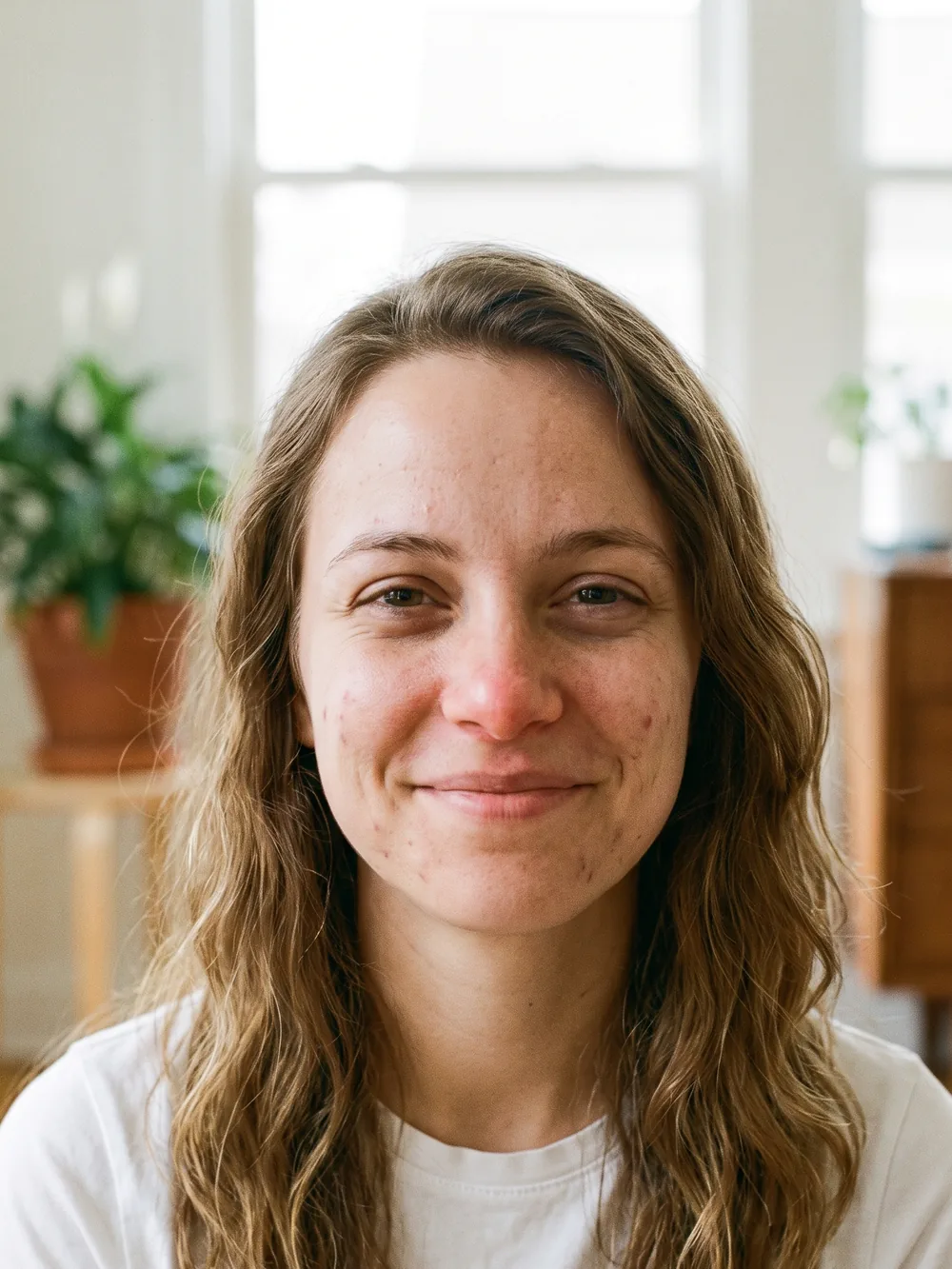
Before the looksmaxxing preview Looksmaxxing preview generated on the same photo
‹›
BeforeAfter

AI-generated visualization on a synthetic face. Drag to compare.

How it works

1Take or upload a photo

A clear, front-facing photo in even light. Some previews also accept a side profile.

2Pick the procedure and a style

Choose what to preview and, where offered, a style such as Natural or Straight.

3Compare before and after

Drag the slider on your own photo, save the result, and export a detailed report to bring to a consultation.

What changes

  • Softmaxxing: skin, under-eyes, brows, hair, lips
  • Hardmaxxing previews: jawline, chin, nose, eyelids, each as its own before/after
  • A harmony analysis that shows proportions rather than a single score

What stays the same

  • Your identity and expression
  • Realism: no surgery-level change from a skincare step
  • Your photos: deleted when you delete the analysis
Good to know. The app keeps every preview within what a real treatment can achieve and never claims a procedure will change your life. Use it to decide what is worth your time, then talk to a professional.

Questions

Is this a face rating app?

No. The facial harmony analysis measures classical proportions and highlights strengths; it is not a rating of attractiveness.

Which looksmaxxing changes can I preview?

The full-face Glow Up, plus jawline, chin, nose, brows, under-eyes, eyelids, lips, cheeks, hair and smile as separate previews.

Are the results realistic?

Every preview is generated on your own photo with identity, skin texture and lighting preserved, and each is limited to what that treatment can realistically do.

Is it free?

Free to download and try. More previews and the detailed report use credits or a subscription.

Related previews

From the blog

See it on your photo

Free to try on iOS and Android. Your photos are deleted when you delete the analysis.

Download on the App Store Get it on Google Play

Every image on this page is an AI-generated visualization on a synthetic face. It is not a medical prediction and not a substitute for a consultation with a qualified professional.