HomePlastic surgery simulator › Nose job before and after
Front and profile examples

Nose job before and after

Real before-and-after photos are taken months apart in different light, which makes the nose hard to judge. An AI preview shows both states on the same photo, so the only difference you see is the nose itself.

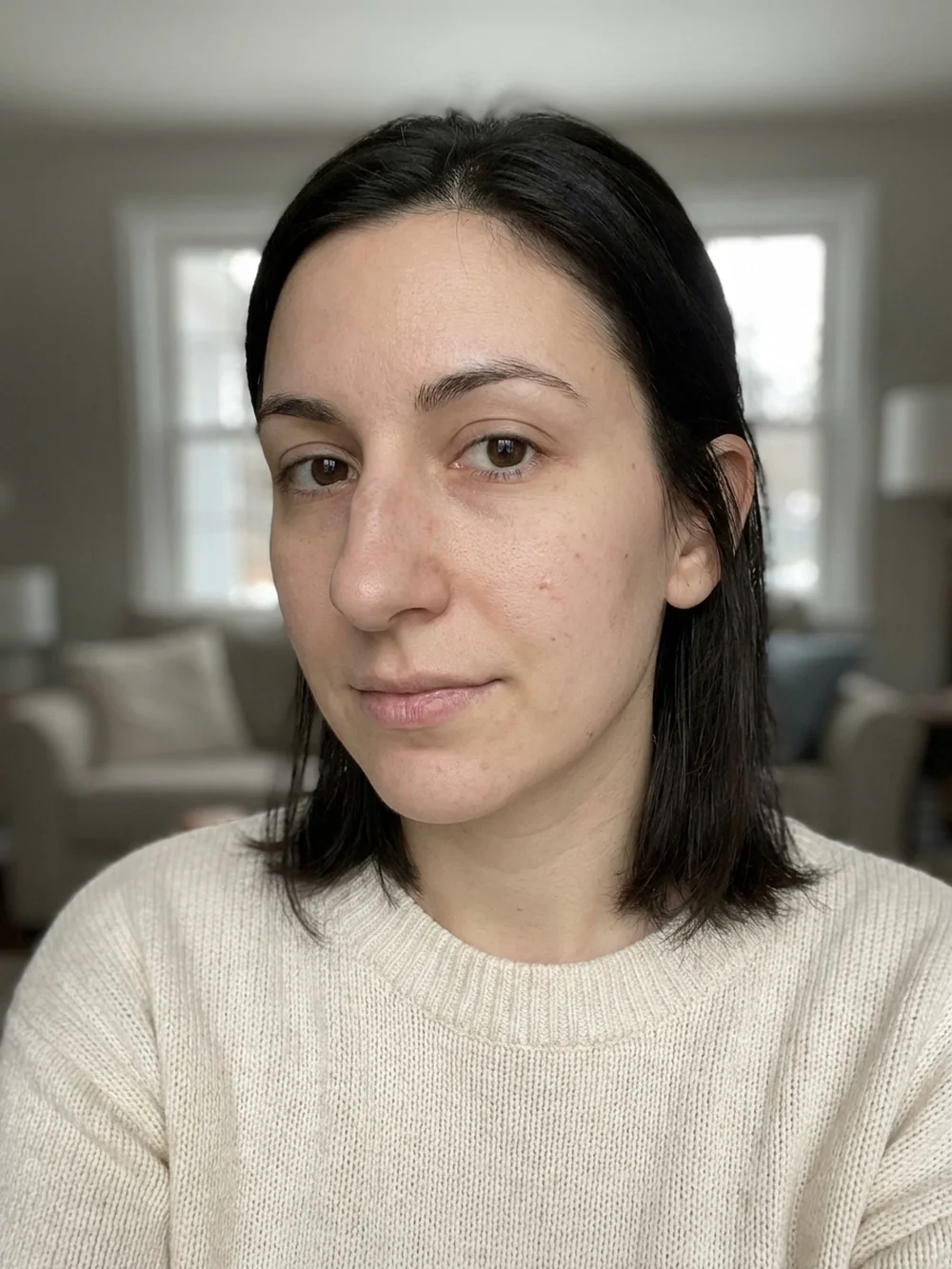
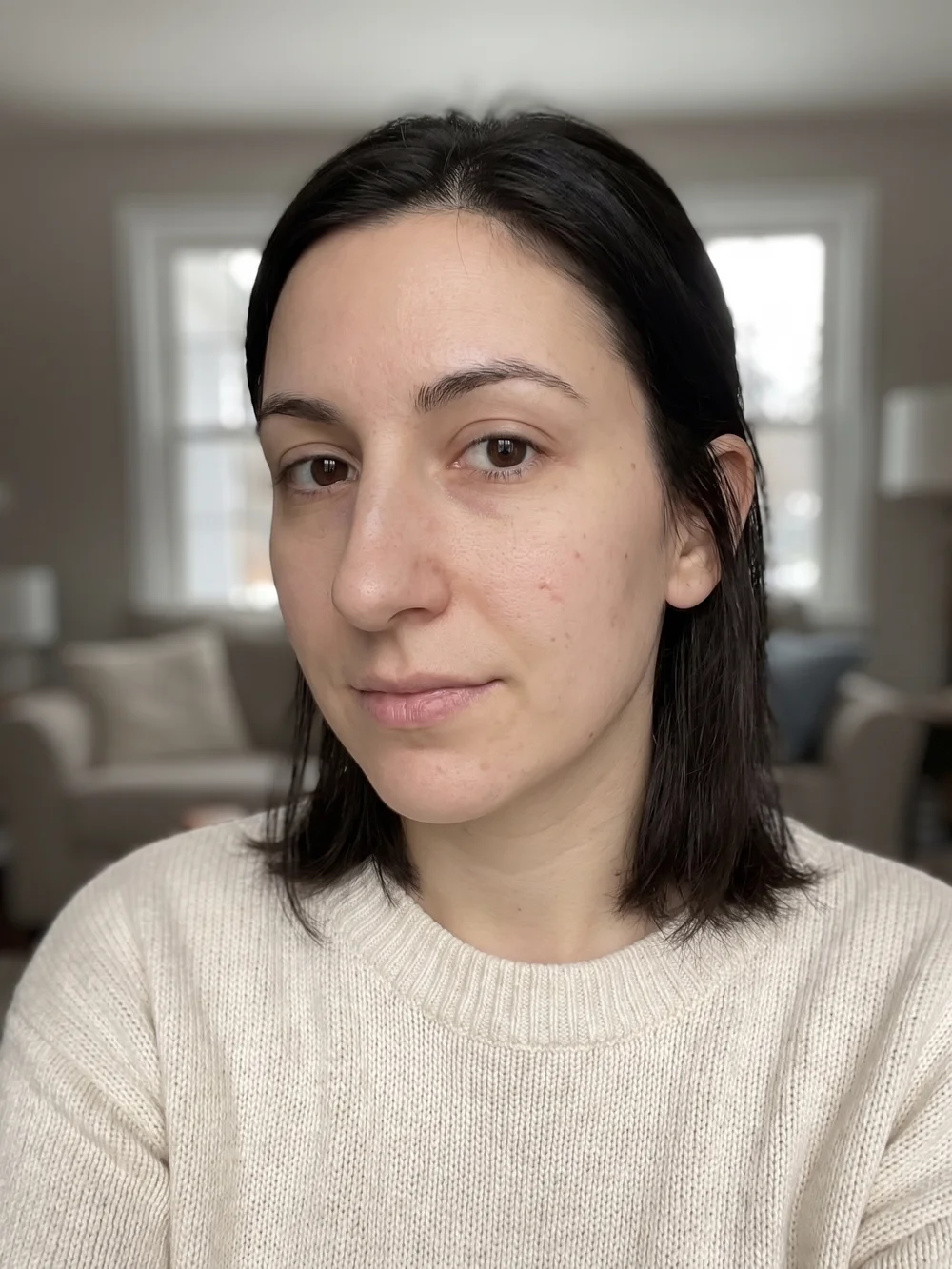
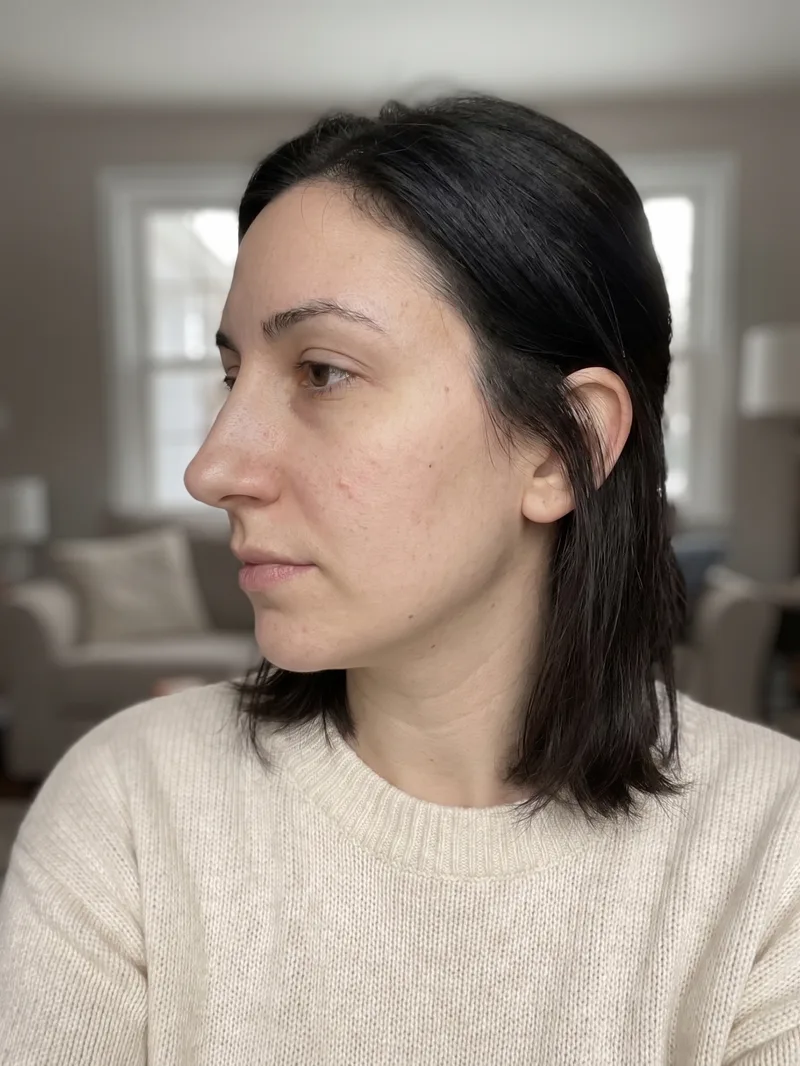
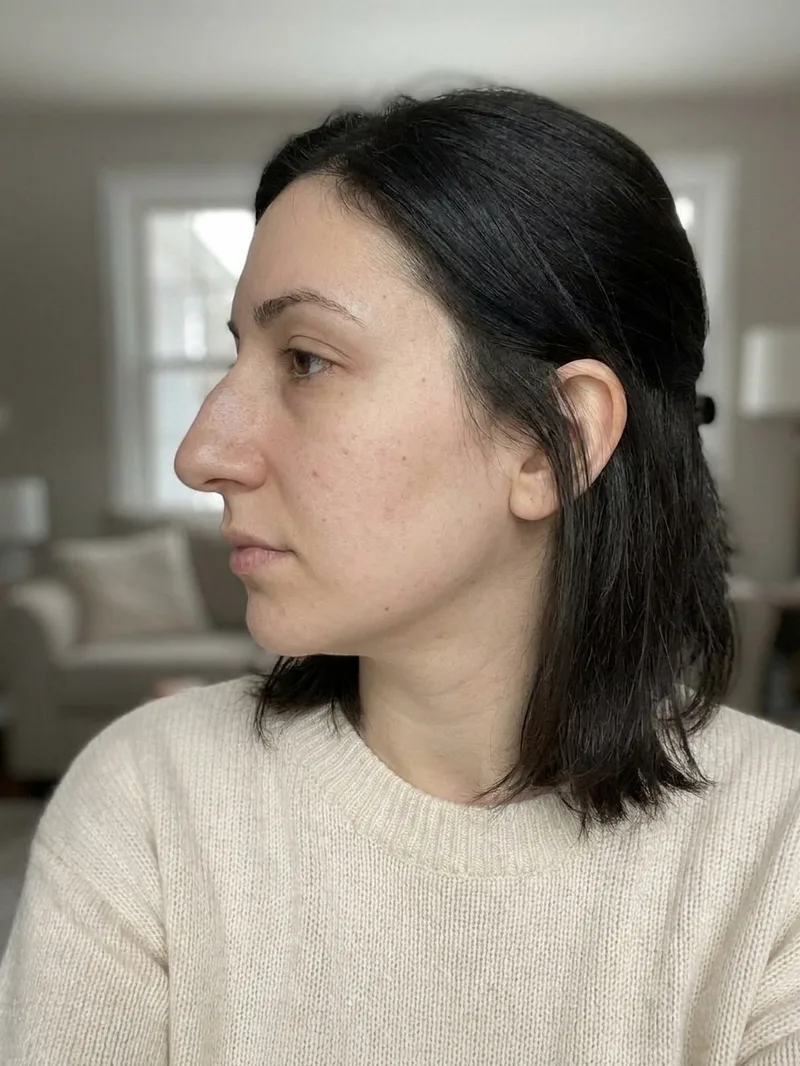
Below are examples generated by the app on synthetic faces. Drag the slider to compare; the same experience is available on your own photo in the app.


Download on the App Store Get it on Google Play
Nose job before, front view Nose job after, AI preview, front view
‹›
BeforeAfter

AI-generated visualization on a synthetic face. Drag to compare.
Profile view

Nose job before, side profile Nose job after, AI preview, side profile
‹›
BeforeAfter

How it works

1Take or upload a photo

A clear, front-facing photo in even light. Some previews also accept a side profile.

2Pick the procedure and a style

Choose what to preview and, where offered, a style such as Natural or Straight.

3Compare before and after

Drag the slider on your own photo, save the result, and export a detailed report to bring to a consultation.

What changes

  • Front view: bridge width, tip shape and nostril symmetry
  • Profile view: dorsal hump, tip projection and rotation
  • The nose-to-chin relationship

What stays the same

  • Eyes, lips, skin and hair
  • Lighting, pose and background
  • Your identity, so the comparison is honest
Good to know. Judge a preview the way a surgeon would: look at the profile for the hump and projection, then the front view for width and symmetry. If both look balanced, the direction is right.

Questions

Are these real patient photos?

No. The examples are AI-generated on synthetic faces, and the after images are produced by the same app you can use on your own photo.

How long after surgery do real results look like this?

Swelling hides the final shape for months; most tips settle between 6 and 12 months. An AI preview shows the settled result, not the healing phase.

Can I get a before and after of my own nose?

Yes. Upload a front photo and optionally a profile in the app, choose a style, and the app builds the before/after slider for you.

Why does my nose look bigger in selfies?

Close camera distance enlarges whatever is nearest the lens. Photos taken from further away show your nose in truer proportion.

Related previews

From the blog

See it on your photo

Free to try on iOS and Android. Your photos are deleted when you delete the analysis.

Download on the App Store Get it on Google Play

Every image on this page is an AI-generated visualization on a synthetic face. It is not a medical prediction and not a substitute for a consultation with a qualified professional.