HomePlastic surgery simulator › Nose job simulator
Free to try · iOS and Android

Nose job simulator

Curious rather than committed? A nose job simulator lets you try a new nose on a selfie before you ever talk to a clinic. The result is generated on your real photo, so it looks like you on a different day, not a filter.

Pick a nose shape, drag the slider, save the result. When you are ready to get serious, the same app gives you the profile view and a written report for your consultation.


Download on the App Store Get it on Google Play
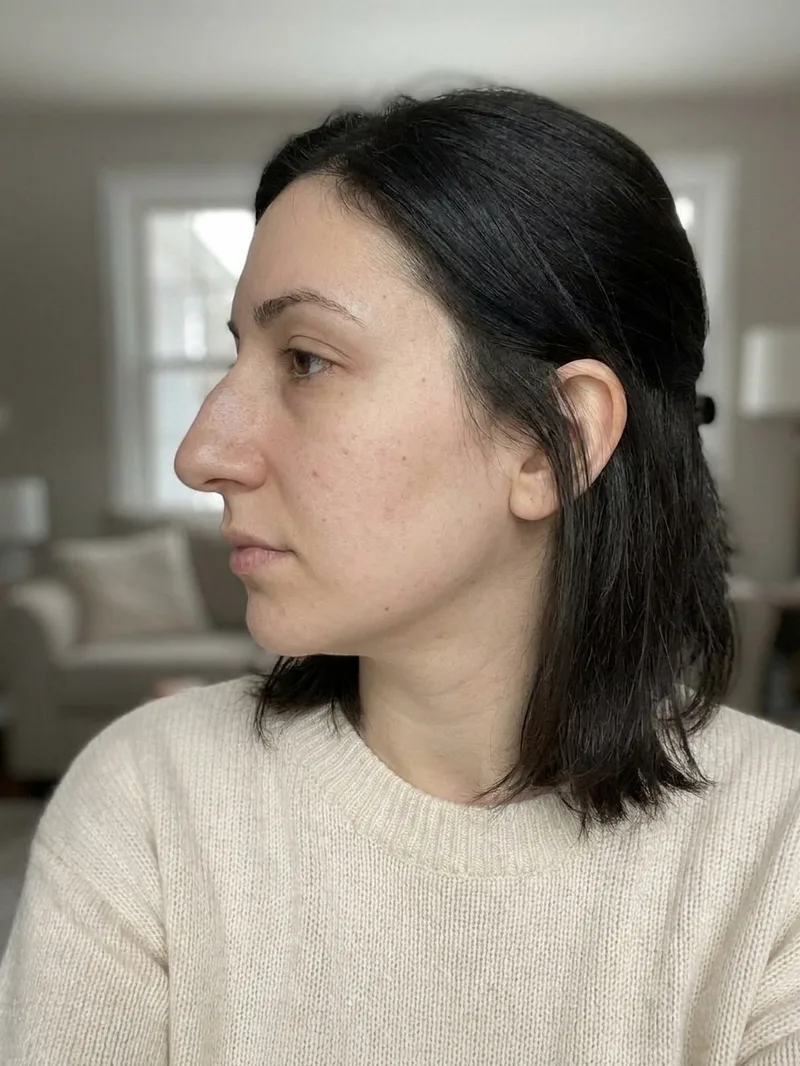
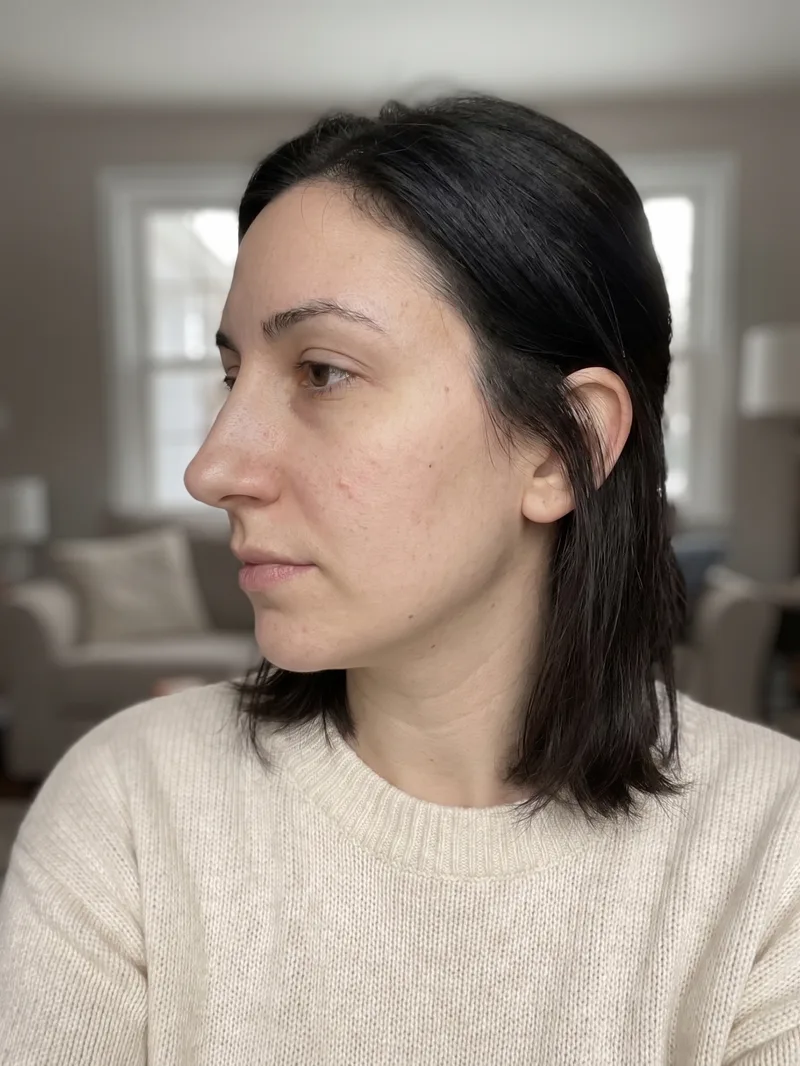
Side profile before a nose job Nose job simulator result on the side profile
‹›
BeforeAfter

AI-generated visualization on a synthetic face. Drag to compare.

How it works

1Take or upload a photo

A clear, front-facing photo in even light. Some previews also accept a side profile.

2Pick the procedure and a style

Choose what to preview and, where offered, a style such as Natural or Straight.

3Compare before and after

Drag the slider on your own photo, save the result, and export a detailed report to bring to a consultation.

What changes

  • The shape of the bridge and tip
  • Nostril flare and width
  • The overall balance between nose, lips and chin
AutoNatural RefinedStraightButtonSharpBarbie

What stays the same

  • Everything that is not the nose
  • Your skin, hair, eyes and expression
  • The exact framing of your selfie
Good to know. Selfies taken at arm's length exaggerate the nose because the camera is close. For the most honest preview, take the photo from a little further away or ask someone to take it.

Questions

Does the nose job simulator work on any selfie?

It works best on a sharp, front-facing photo in even light with the hair away from the face. Sunglasses, heavy filters and extreme angles reduce quality.

Can I try more than one nose shape?

Yes. Each style is a separate preview, so you can compare Straight against Button or Natural Refined on the same photo.

Is the result realistic or just a filter?

It is a photorealistic generation that changes only the nose; skin texture and lighting are preserved, and the change stays within what surgery can achieve.

Will a surgeon take an AI preview seriously?

Many find it useful as a starting point because it shows the direction you like. Bring it together with the report the app generates and let the surgeon explain what is feasible.

Related previews

From the blog

See it on your photo

Free to try on iOS and Android. Your photos are deleted when you delete the analysis.

Download on the App Store Get it on Google Play

Every image on this page is an AI-generated visualization on a synthetic face. It is not a medical prediction and not a substitute for a consultation with a qualified professional.