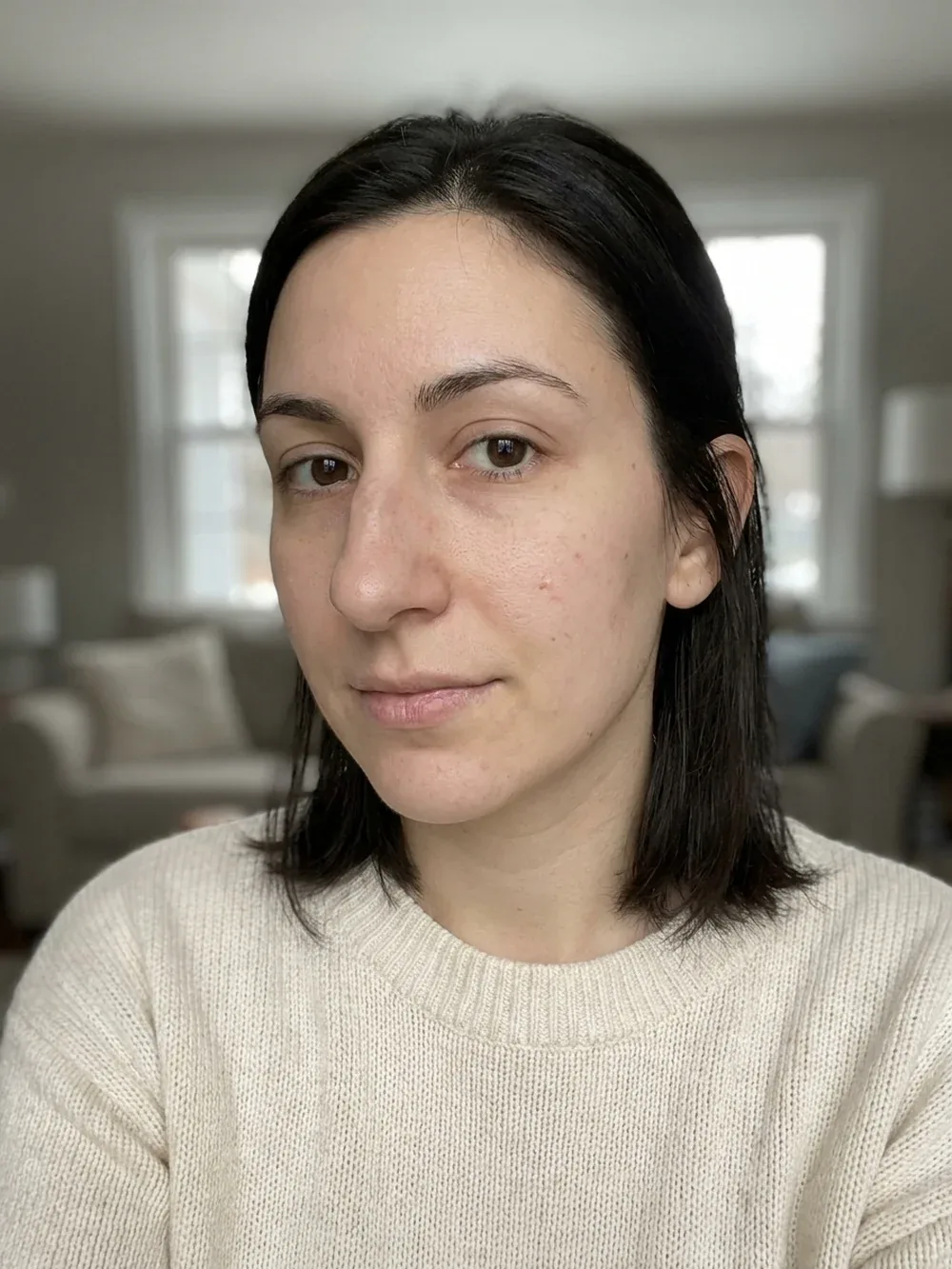
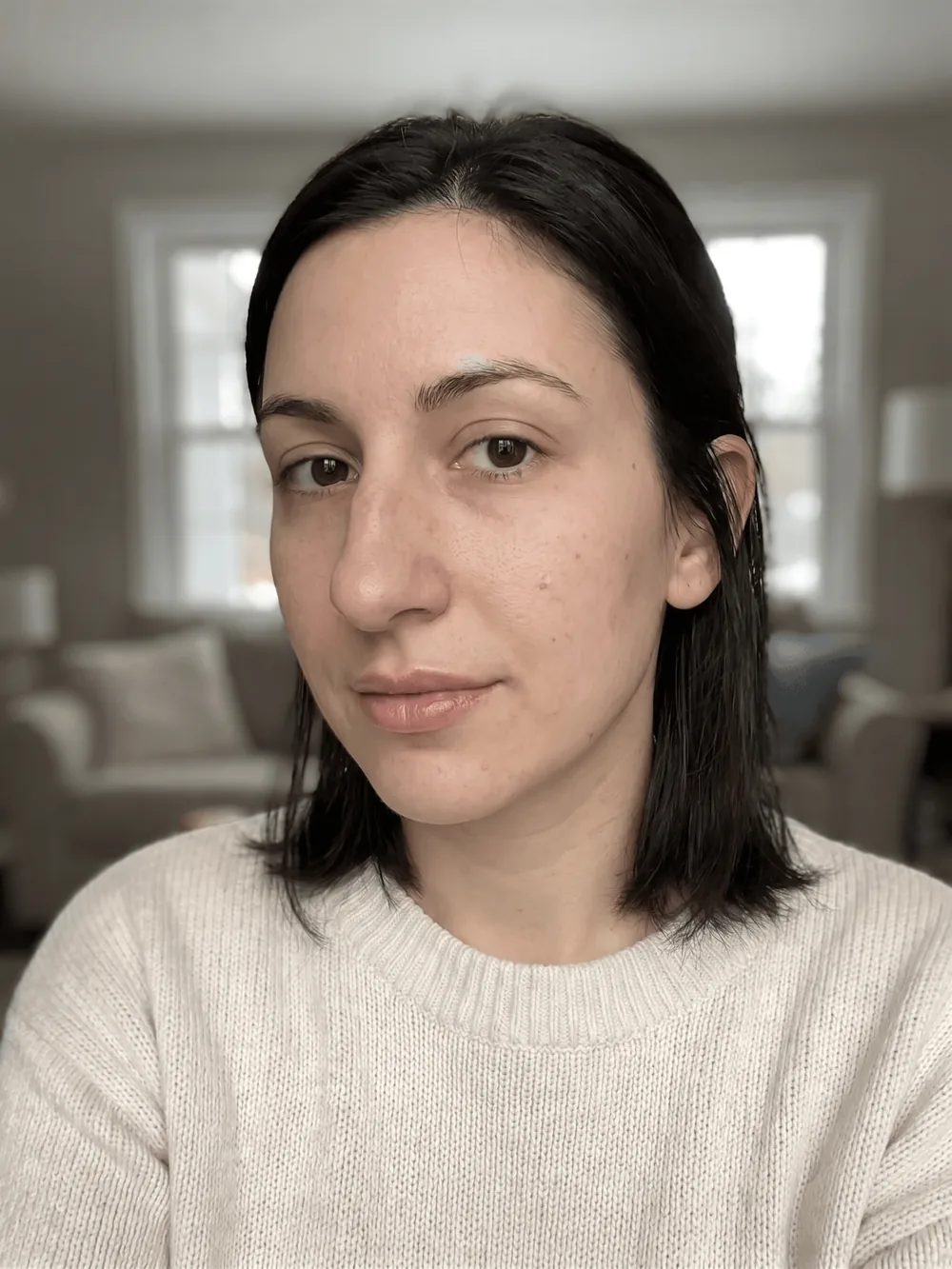
The fear with lip enhancement is the overdone look. The preview keeps the change within natural proportions, an upper-to-lower ratio of about 1 to 1.6, with a defined border and a refined cupid's bow, so you can see how fuller lips sit on your own face before you decide anything.
Choose Natural Plump, Subtle Define, Heart or Russian, then compare with the slider. Only the lips change.

AI-generated visualization on a synthetic face. Drag to compare.
A clear, front-facing photo in even light. Some previews also accept a side profile.
Choose what to preview and, where offered, a style such as Natural or Straight.
Drag the slider on your own photo, save the result, and export a detailed report to bring to a consultation.
No. The app limits the change to a natural range and keeps proportions, so it shows what a conservative treatment achieves.
Natural Plump, Subtle Define, Heart and Russian, plus Auto.
It shows the visual result. A professional decides which treatment, and how much, achieves it safely.
No. Only the lips change. For teeth, use the smile design preview.
Free to try on iOS and Android. Your photos are deleted when you delete the analysis.
Every image on this page is an AI-generated visualization on a synthetic face. It is not a medical prediction and not a substitute for a consultation with a qualified professional.